Benteng, a Web and AI Security Hub in Your Browser. Grade Headers, Lint a JWT, Build a CSP, Scan for Prompt Injection, Audit MCP Tools, in One Tab.
Most of the free tools that tell you whether your website is configured safely are single-purpose, and some are going quiet. securityheaders.com, the one that popularized the A+ to F grade, is retiring its API in April 2026. Mozilla's HTTP Observatory has no public API. And even at their best, each one does a single job, headers, or a JWT, or a policy, never all three.
So we built Benteng (Indonesian for a fortress or stronghold): a free web and AI security hub that runs in one browser tab. It grades a site's security posture, inspects a JWT, works with a Content-Security-Policy, scans untrusted text for prompt injection, audits MCP tools for poisoning, and maps it all to the OWASP LLM Top 10, and every finding comes with the exact fix. It is live at palugadahub.com/sec.
The one rule: authorized and defensive use only
Before the features, the boundary. Benteng is a defensive tool. The posture scanner reads a URL's own public response headers, the same ones your browser already receives when it loads the page, and never attacks, probes, or exploits a target. It is SSRF-guarded so it cannot be turned into a proxy for reaching internal systems, and rate-limited so it cannot be turned into a scanner. Only point it at sites you own or are explicitly authorized to test. This is a tool for hardening your own surface and for learning, not for hitting someone else's.
1. Posture scanner: your headers, graded A to F
Paste a URL and Benteng fetches its response headers and scores nine weighted checks into a single grade:
- HTTPS and HSTS, is the site on TLS, and does
Strict-Transport-Securitylock it in with a long enough max-age. - Content-Security-Policy, is there a CSP, and is it weakened by
unsafe-inline,unsafe-eval, or a wildcard source. - Clickjacking, is framing controlled by
frame-ancestorsorX-Frame-Options. - X-Content-Type-Options, is MIME sniffing turned off with
nosniff. - Referrer-Policy and Permissions-Policy, are referrers and browser features locked down.
- Cookie flags, do the Set-Cookie headers carry
Secure,HttpOnly, andSameSite. - Version disclosure, is the server leaking a
Serverversion orX-Powered-Bybanner.
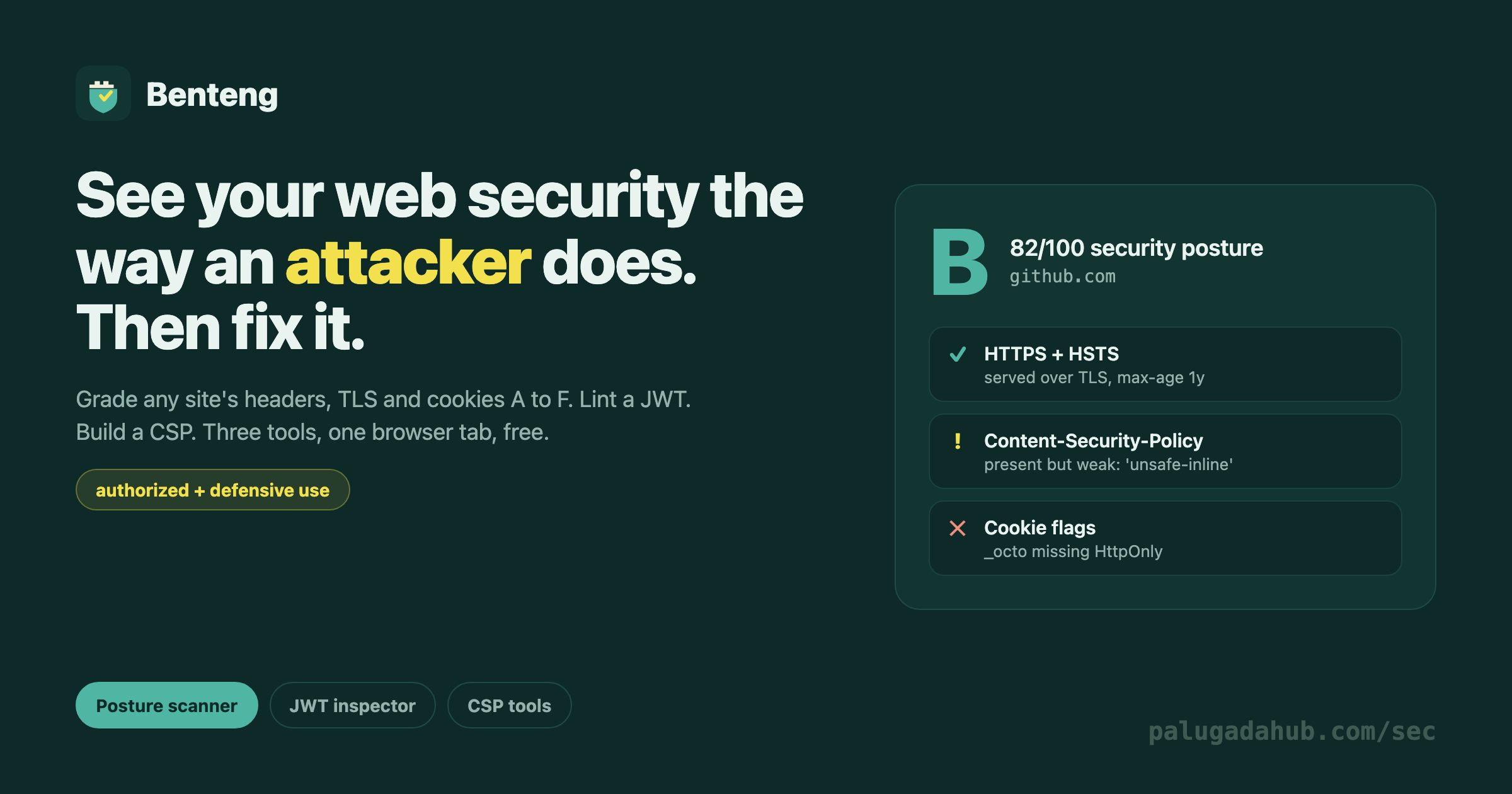
Each check is weighted by how much it matters, and the result is a grade plus a per-check list of what passed, what is weak, and the copy-paste fix. Scan a big site and it is honest, GitHub, for example, grades a B: strong TLS and HSTS, but a CSP that still allows unsafe-inline and a cookie missing HttpOnly. Real findings, not a rubber stamp.
2. JWT inspector: decode and lint, in your browser
Paste a JSON Web Token and Benteng decodes the header and payload and lints them for the classic mistakes, entirely client-side. The token is never sent anywhere. It flags:
alg: none, the signature is not verified, so the token is trivially forgeable. A hard fail.- HMAC algorithms (
HS256), where a verifier that also accepts asymmetric tokens is open to key-confusion. - A missing or expired
exp, a token that never expires, or one that already has. - An empty signature segment.
- Sensitive claims, passwords, keys, or PII sitting in the payload, which is only base64, not encryption.
It does not verify the signature (that needs your secret), it teaches you what is wrong with the token's shape.
3. CSP tools: analyze or build
Two modes. Analyze takes an existing Content-Security-Policy and flags the weaknesses, unsafe-inline, unsafe-eval, bare wildcards, a missing frame-ancestors, object-src, or base-uri. Build hands you a strict starting policy from a couple of toggles, default-src 'self', no wildcards, object-src 'none', frame-ancestors 'none', ready to paste and tighten.
4. Prompt injection scanner: catch what a model reads and you can't see
The newest attack surface is the model itself. Paste a prompt, a tool's output, a support ticket, or any text an LLM will read, and Benteng scans it for the tricks that hijack an agent, entirely in your browser. It flags instruction-override ("ignore all previous instructions"), jailbreak personas and mode-switches, phrasing that tells the model to send data somewhere or read a secret, and fake system tags. It also catches what your eyes miss: zero-width and joiner characters, bidirectional-override characters, and Unicode tag characters that carry instructions a model parses but a human never sees on screen. If untrusted text reaches your prompt, run it through here first.
5. MCP tool audit: frisk a server before you connect it
Model Context Protocol lets an agent call external tools, and a malicious server can poison its own tool descriptions to steer your agent. Paste an MCP tools/list (a JSON array, or the object with a tools array) and Benteng checks every tool's name, description, and input schema for hidden instructions, injection phrasing, parameters that quietly ask the agent to hand over an API key or credential, and the dangerous combination of a data-reading tool plus an outbound-sending tool, the read-then-send path one poisoned instruction needs to exfiltrate. It is the browser version of our mcpfrisk CLI. Audit the server before you trust it, not after.
6. OWASP LLM Top 10: the map, with the fix
Rounding it out is a quick reference to OWASP's 2025 Top 10 for LLM applications, from prompt injection and sensitive-information disclosure to excessive agency and unbounded consumption, each with the one-line mitigation. It turns the two AI scanners above from point checks into a framework: here is the full risk surface, here is where each tool fits.
More cases: web, supply chain, mobile, and hardware
Benteng keeps growing along the same rule, defensive and client-side. A secret scanner pastes in code or a .env and flags leaked keys by their shape (AWS, GitHub, Stripe, Google, Slack, private-key blocks), the gitleaks class of bug, so you catch a credential before it ships. A CORS analyzer takes your Access-Control-* config and flags the classic mistakes: a wildcard paired with credentials, the null origin, a reflected origin. A security.txt checker validates the file against RFC 9116. An SRI checker looks at your <script> and <link> tags and flags any third-party resource loaded with no integrity hash, the supply-chain risk where a compromised CDN swaps the file under you.
For mobile, an Android manifest analyzer checks an AndroidManifest.xml against OWASP MASVS build settings: a debuggable release, cleartext traffic, backup left on, exported components, and sensitive permissions. For hardware, the OWASP IoT Top 10 maps the device risk surface, starting with weak and default passwords, the Mirai class of bug that turned home devices into a record-setting botnet.
Two reference tabs tie it together. The OWASP Web Top 10 (2021) covers the web application risks with the one-line fix each, and an attacker vs defender playbook shows common cases as the black-hat move to recognize and the white-hat counter, IDOR, SQL injection, XSS, credential stuffing, SSRF, subdomain takeover, phishing, and supply chain. It is a teaching table, not attack tooling, the same boundary as the rest of Benteng.
Why one tab, and why free
The value is in the combination. Shipping a web app safely is not one check, it is the headers and the token handling and the policy, and bouncing between three sites for that is friction. Benteng puts them together, explains every finding so it doubles as an appsec primer, and asks for nothing, no account, no key. The JWT and CSP tools never leave your browser, and the scanner stores nothing.
Point it at your own site, read the fixes, and close the gaps before someone else finds them. That is the whole idea, see your web security the way an attacker does, then fix it.
Building an AI agent?
I'm packaging how I ship them into one kit. Early access:
AI Agent Starter Kit →